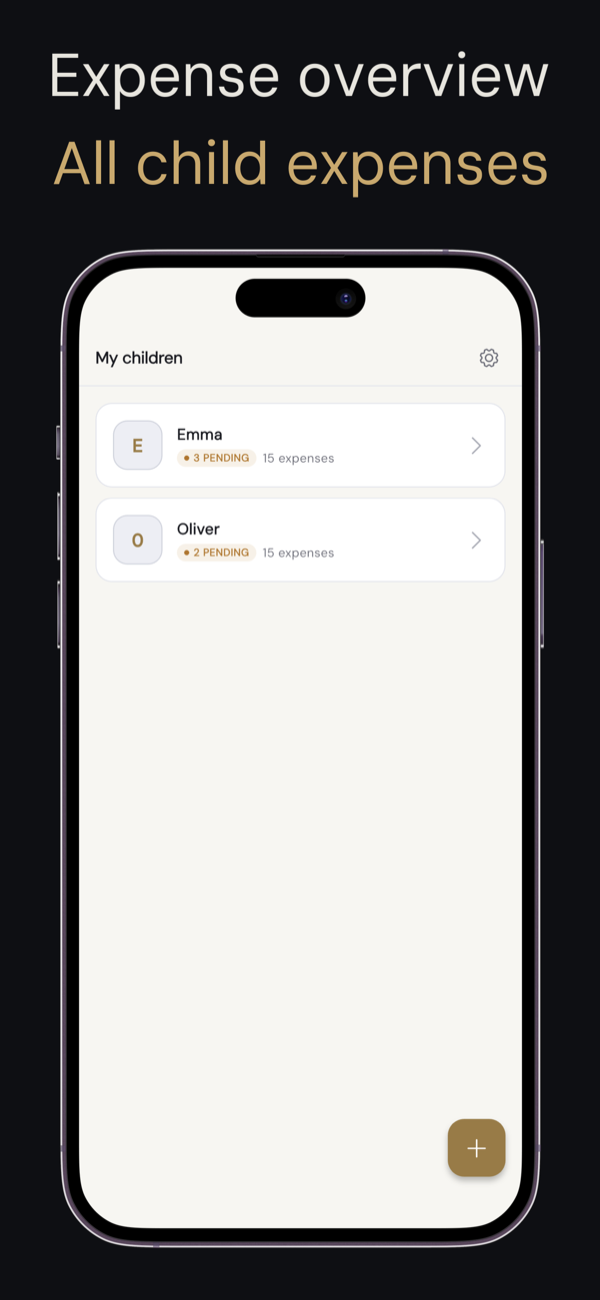
What changed and why
Keeping track of shared child expenses is already emotionally loaded. The app itself should never add to that friction. This update focuses on three things that came up consistently in feedback: the interface felt cluttered, there was no way to know about new activity without opening the app, and attaching a receipt was too many steps.
Here's what's new.
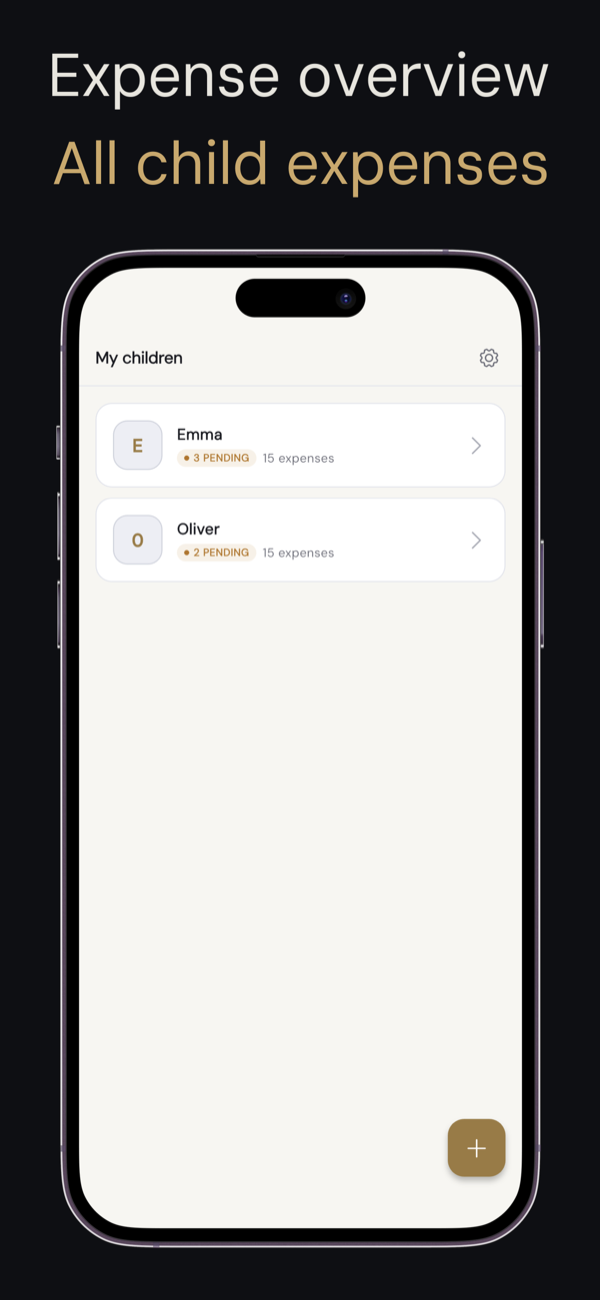
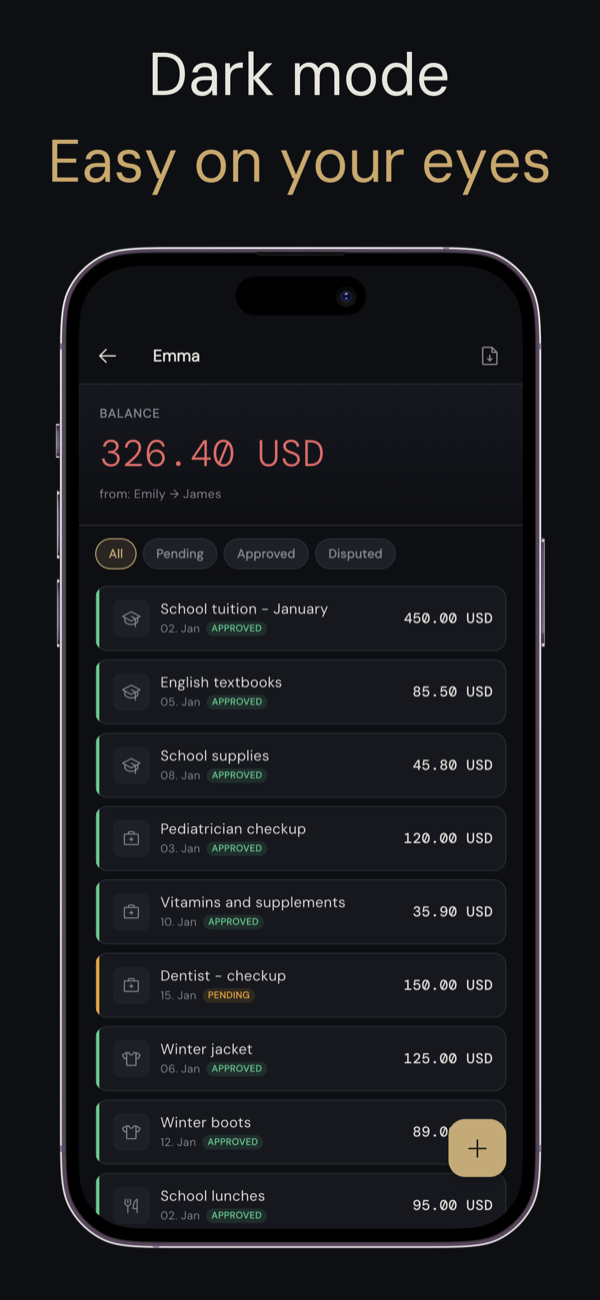
Redesigned interface: clearer, calmer
The visual design has been rebuilt with one goal: make the important information obvious at a glance.
What's different:
- Balance and expense status are front and center — no digging required
- Status indicators (pending, approved, disputed, resolved) are now consistent everywhere in the app
- Dark mode is fully supported and follows your system setting automatically
- Typography and spacing have been tightened for easier reading, especially when you're in a hurry
Duo is a record-keeping tool. Its design should feel neutral and functional — not like a task you dread opening.
Push notifications: know about activity right away
Previously, the only way to see new expenses or approvals was to open the app. That's no longer the case.
Duo now sends push notifications when:
- the other parent adds a new expense
- an expense is approved or disputed
- a settlement is proposed or confirmed
You can turn any of these off in Settings → Notifications at any time. Nothing is sent without your explicit permission.
> A note on email notifications: the daily digest and weekly balance reminder remain part of the premium plan. Push notifications are available to all users, free and premium alike.
Photograph receipts without leaving the app
If you've ever tried to add an expense while standing at a checkout, you know the old flow was awkward. You had to exit, take a photo, come back, find the image in your gallery, and attach it.
Now, when adding an expense, you can tap the camera icon and take the photo directly inside Duo. It attaches instantly. You never leave the form.
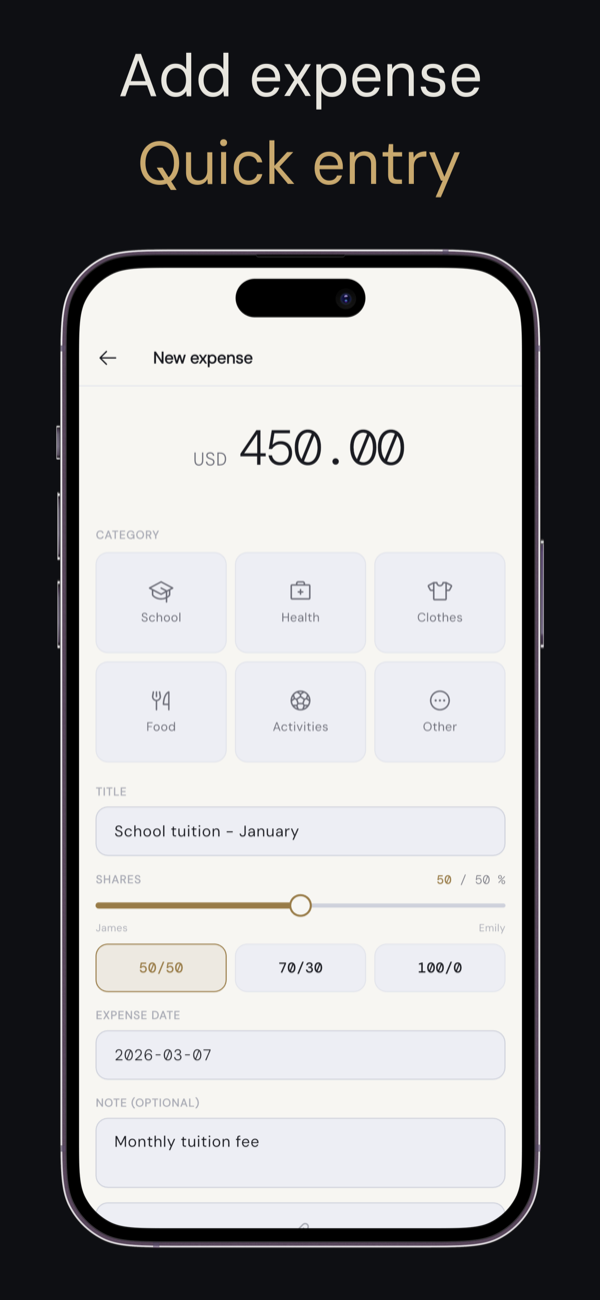
Uploading from your gallery and attaching PDFs still work exactly as before — the in-app camera is just the faster path when you're adding an expense on the spot.
> As a reminder: every expense in Duo requires at least one document. This is by design. The receipt is what gives the record its evidentiary value — a number without proof is just a number.
How to get the update
The update is available now on the App Store and Google Play. Just update the app — no changes to your settings, cases, or existing records are needed. Everything you've already logged stays exactly as it was.